Network · Buyer guide
An older switch still works while a newer one approaches a support milestone. Replacing strictly by age can miss that distinction. Before committing the next network budget, connect each exact product to its support position and the business services depending on it.

Identify the exact product
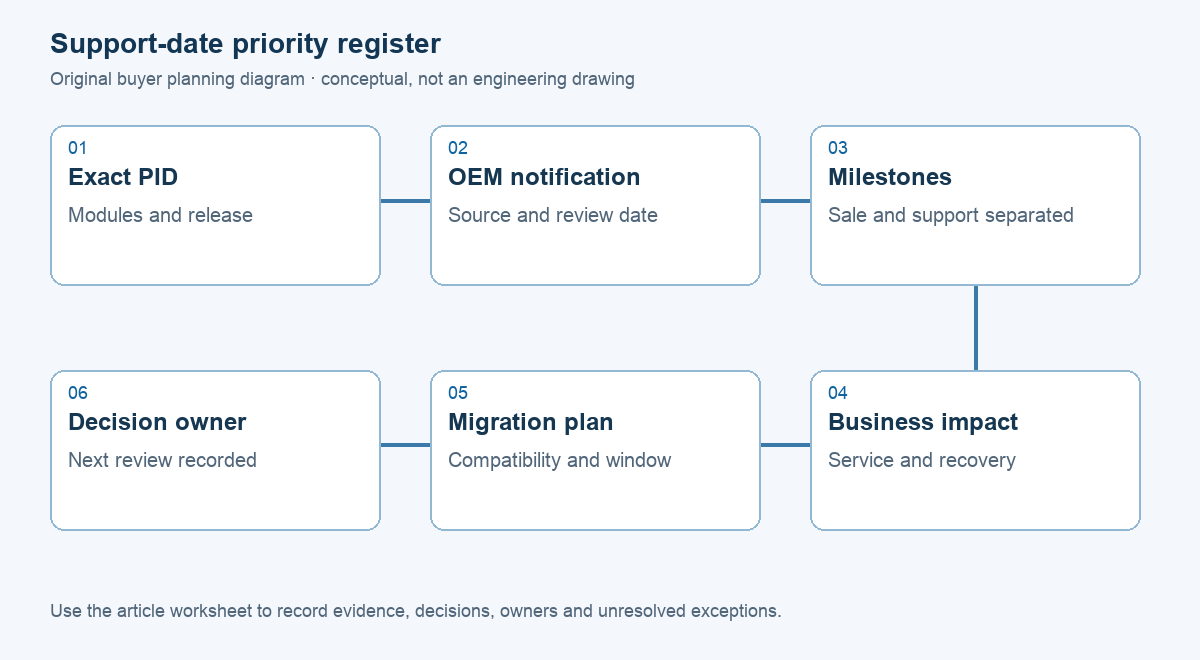
Collect product identifiers, relevant modules, software train and asset location. Keep the source and date of each lifecycle check. A family marketing page can cover several generations; a familiar name does not establish support status.
Cisco’s policy separates End of Sale from Last Date of Support and directs users to applicable product notifications. It also identifies separate policy treatment for Meraki. Cisco: end-of-life policy Keep those milestones separate rather than deriving a date for your device from a general policy.
Connect lifecycle to business impact
List the service, site and recovery option for each device. A core dependency with little recovery capacity may need earlier planning than a lightly used device with a tested spare. Keep actual failure evidence separate from age and lifecycle risk.
Check contracts and required software/security maintenance for the exact estate. If a date cannot be verified, mark it unknown. Ask the supplier for the evidence behind proposed urgency rather than filling a gap from a reseller description or assuming every unit in a family shares a date.

Include migration in the budget
A replacement can require compatible optics, licences, power arrangements, configuration work, management access and a service window. A low chassis price is an incomplete comparison if the migration and support assumptions differ. Ask for hardware, transition work and recurring items as separate lines.
Agree priority using lifecycle constraints, business impact, recovery options and implementation readiness. Expose conflicts: a high-priority device may still need design or access work before a safe change. Priority is not authorisation to replace it immediately.
Keep the decision dated
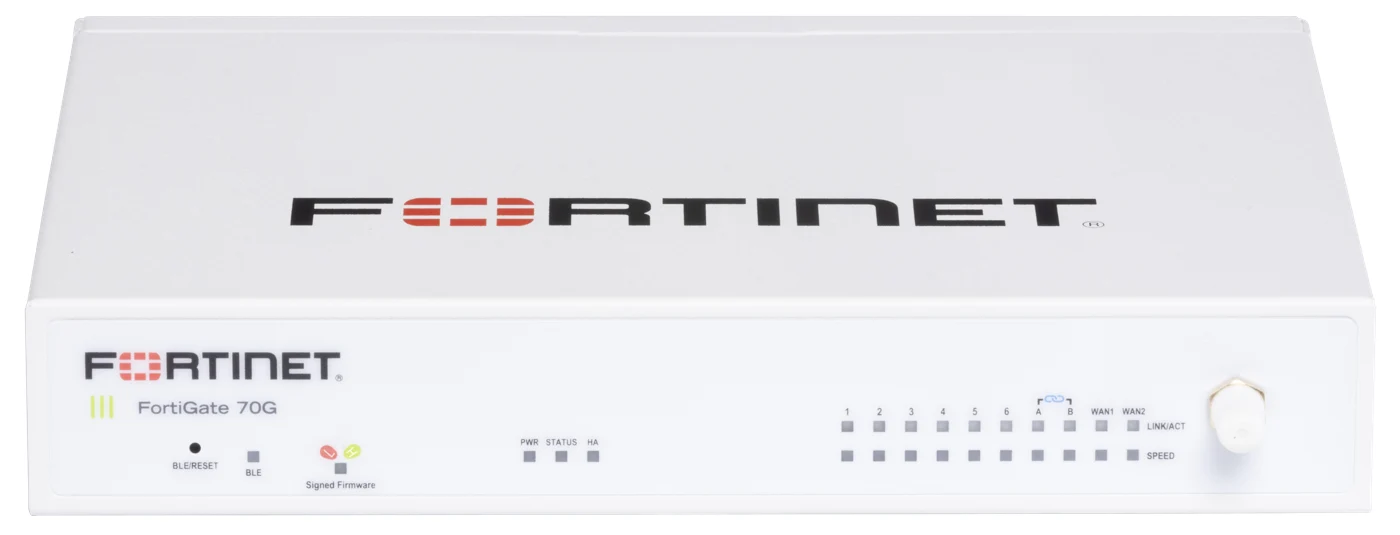
Retain the manufacturer notice and decision owner alongside the planned window. Recheck lifecycle and commercial information when ordering. The Catalyst family image is a product reference, not a claim that pictured devices share one support date or fit every replacement need.
For a RIAM refresh brief, provide an asset list and service constraints. Request a staged assessment connecting proposed actions to evidence. This keeps the purchase focused on operational needs instead of a universal replacement-age rule or an unsupported useful-life promise.
Support-date priority register
Use this worksheet in the supplier discussion. Replace example entries with your project information; it is not a completed survey or approved design.
| Asset | Evidence / dependency | Decision |
|---|---|---|
| Exact PID / release | Dated OEM notice | Verified milestones or unknown |
| Business service | Impact and recovery option | Agreed priority |
| Replacement scope | Optics, licences, power and migration | Readiness and full scope |
| Budget / window | Owner and dated proposal | Plan, not automatic action |
Questions buyers ask
Is End of Sale the same as no support?
No. Read separate milestones in the relevant product notice.
Is the family name enough?
Use exact identifiers and applicable software/product notices.
Must every old switch be replaced now?
Prioritise verified lifecycle constraints, impact and recovery options.
Does a spare remove all risk?
It may help one failure scenario; software and support dependencies remain.
Is the photographed model recommended?
No. A replacement requires a site-specific compatibility review.
Discuss your requirements with RIAM’s network team, or send a project brief. Scope, availability and commercial terms are confirmed in the project proposal.
Manufacturer references
Research checked 24 October 2026. Use the exact selected model, release and applicable project documents.