
Wireless · Buyer guide
A scanner works beside the access point but loses a transaction halfway down an aisle. Adding another AP may help, or leave the cause unresolved. Define the moving workflow that matters and make it part of acceptance. A heat map without the scanner, route and stock conditions can leave a significant gap in a warehouse buying decision.

Begin with a transaction route
Mark the paths used for picking, replenishment and loading. Identify the actual client model, software and business application. A survey phone is not automatically a substitute for a handheld scanner or a device mounted on moving equipment.
Agree a safe route and test method with the warehouse team. Include relevant aisle ends, doorways and zone transitions without creating unsafe movement or unauthorised interruption. Name the application owner who can distinguish a failed transaction from a normal application delay.
Record the warehouse state
HPE Aruba Networking identifies metal shelving, high ceilings and changing inventory as warehouse design factors, alongside varied clients such as scanners and tablets. HPE Aruba Networking: warehouse Wi-Fi design
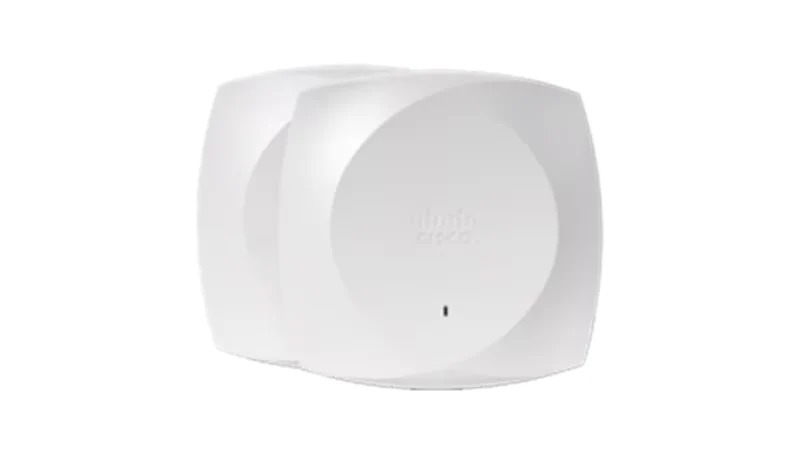
Translate that guidance into the visit record: rack arrangement, stock condition, doors and mounting locations. If stock has not arrived, record the later validation need. An empty-building result does not prove identical behaviour through loaded aisles. The Cisco photograph is a product reference, not a claim that this model suits every warehouse zone.

Observe the application while moving
Run the approved transaction along the agreed route. Record the failure location, application symptom and matching wireless observation. Distinguish a radio transition from an upstream-network or application-server problem before prescribing more hardware.
Agree acceptance criteria with device and application owners. Transaction continuity, retries or another business measure may matter more than a generic signal threshold. Keep client settings and conditions consistent between comparisons. If a substitute device is unavoidable, state the limitation rather than calling the results equivalent.
Retain failures and retest corrections
Preserve failed locations and actions in the report instead of replacing them with only a final heat map. Identify which routes need review after changes to stock arrangement, APs, antennas or client software. Agree who owns a return visit if the live warehouse differs materially from the surveyed condition.
For a RIAM brief, provide the device inventory, route plan, stock profile and application contact. Ask for a design and validation scope tied to those inputs. The output should be an operating baseline the IT and warehouse teams can both use.
Scanner-route acceptance sheet
Use this worksheet in the supplier discussion. Replace example entries with your project information; it is not a completed survey or approved design.
| Route / state | Test input | Result |
|---|---|---|
| Receiving → storage | Actual scanner and application | Transaction outcome + location |
| Aisle / rack condition | Stock, materials and doors | Assumptions and limitations |
| Zone transition | Agreed movement and repeated task | Observed retry/transition behaviour |
| After correction | Same client and stated conditions | Result plus unresolved exceptions |
Questions buyers ask
Can we test using any phone?
Prefer the actual required client, or document the substitute’s limitations.
Is an empty warehouse survey sufficient?
It is an input. Define later validation under relevant stock conditions.
Will more APs fix every issue?
No. Distinguish client, radio, upstream and application causes first.
Should we copy a universal signal target?
Agree criteria for the actual device and application.
What changes trigger review?
Material changes to stock layout, APs, antennas, clients or application behaviour.
Discuss your requirements with RIAM’s wireless team, or send a project brief. Scope, availability and commercial terms are confirmed in the project proposal.
Manufacturer references
Research checked 24 October 2026. Use the exact selected model, release and applicable project documents.


